What Is IPTV Smarters Pro?
IPTV Smarters Pro is a multi-platform IPTV player application developed by Smarters Solution. It functions as a front-end client that connects to any compatible IPTV service and renders its channel lineup, video-on-demand library, and electronic program guide inside a unified, television-optimized interface. The application does not host, stream, or own any content — it simply interprets the stream data delivered by your chosen IPTV provider.
The app supports two industry-standard IPTV connection protocols. The first is M3U playlist loading, where you provide a URL pointing to your provider's M3U file and the app parses every channel and VOD entry automatically. The second is Xtream Codes (XC) API, where you authenticate with a server URL, username, and password to access your subscription directly. Both methods produce identical results from a viewing perspective — the choice depends on what credentials your IPTV service provider supplies.
Why IPTV Smarters Pro Is So Widely Used
- ✓Cross-platform: The only major IPTV player available natively on Android, iOS, FireStick, Windows PC, and select Smart TVs simultaneously.
- ✓Universal compatibility: Works with every IPTV service that supports M3U or Xtream Codes — which is virtually all of them.
- ✓Free to download: The base version is fully functional at no cost, making it the default first-choice app for new IPTV users.
- ✓Continuous updates: Actively maintained with regular feature releases across all platforms as of 2026.
IPTV Smarters Pro is a player application only. It does not include any channels, VOD content, or streaming servers of its own. You must subscribe to a separate IPTV service provider and use the credentials they supply to load content into the app. World-TV.store is an informational directory — we do not sell or recommend specific IPTV subscriptions.
IPTV Smarters Pro: Download Links & Supported Platforms
IPTV Smarters Pro is available across all major streaming platforms. The installation method varies slightly by device, but the core application and its interface remain consistent across platforms. Below is a complete breakdown of download options for every supported device category in 2026.
| Platform | Store / Method | Version Available | Setup Complexity |
|---|---|---|---|
| Android (Phone/Tablet) | Google Play Store | Latest stable | ⭐ Very Easy |
| Amazon FireStick / Fire TV | Amazon App Store | Latest stable | ⭐ Very Easy |
| Android TV / Google TV | Google Play Store | Latest stable | ⭐ Very Easy |
| iOS (iPhone/iPad) | Apple App Store | Latest stable | ⭐ Very Easy |
| Windows PC | Official website download | Desktop version | ⭐⭐ Easy |
| Samsung Smart TV (Tizen) | Samsung App Store | Selected regions | ⭐⭐ Easy |
| LG Smart TV (webOS) | LG Content Store | Selected regions | ⭐⭐ Easy |
| Roku | Not natively available | Use Roku Smarters instead | ⭐⭐⭐ Moderate |
| Apple TV | App Store (iOS version) | tvOS compatible | ⭐⭐ Easy |
IPTV Smarters Pro is not natively available on Roku. Roku users should instead use the Roku Smarters Player, which is a Roku-native IPTV player that replicates most of IPTV Smarters Pro's functionality within the Roku platform's restrictions. See our dedicated Roku Smarters Player guide for setup instructions.
How to Set Up IPTV Smarters Pro: Step-by-Step (All Devices)
The configuration process for IPTV Smarters Pro follows the same sequence regardless of the device you are using. Before you start, ensure you have the credentials from your IPTV service provider ready — either your M3U playlist URL or your Xtream Codes details (server URL, username, and password). This information is typically provided immediately after subscribing, via email or a provider dashboard.
Method A: Setup via Xtream Codes (Recommended)
Xtream Codes is the preferred connection method for IPTV Smarters Pro because it provides a richer data feed including catch-up timestamps, EPG category data, and VOD metadata that M3U URLs sometimes omit. If your provider supplies XC credentials, use this method.
Method B: Setup via M3U Playlist URL
IPTV Smarters Pro Key Features — Full Review
Having covered setup, here is a detailed evaluation of IPTV Smarters Pro's core features as they perform in 2026. This review is based on our editorial testing across Android, FireStick, and iOS platforms.
Interface & Navigation
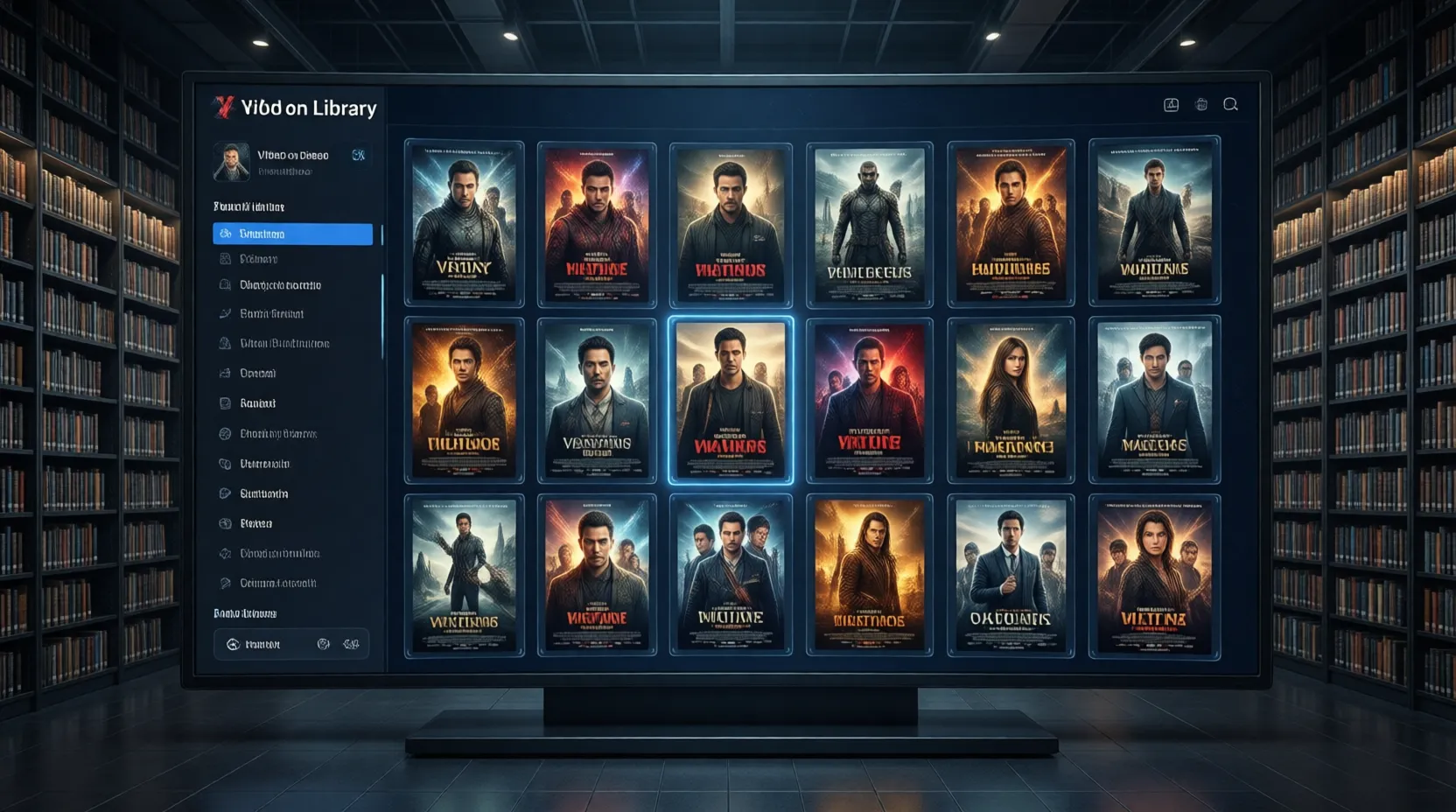
IPTV Smarters Pro uses a tabbed navigation structure that separates Live TV, Movies, Series, and Catch-Up into distinct sections. The interface is TV-friendly with large touch targets suited to remote-control navigation on FireStick and Android TV. On mobile, the same layout works well in both portrait and landscape modes. The main dashboard renders channel thumbnails with provider-supplied artwork where available, creating a visually polished browsing experience comparable to mainstream streaming apps.
- ✓Multi-profile support: Add multiple IPTV provider accounts and switch between them from a single home screen — ideal for users testing multiple services or running a household with different regional preferences.
- ✓EPG / Program Guide: Full 14-day electronic program guide displayed in a standard grid layout, populated automatically from your provider's XMLTV data feed. Accurate EPG scheduling significantly depends on provider data quality.
- ✓Catch-Up TV: Time-shift playback of previously aired content is supported where your IPTV service enables catch-up functionality on specific channels. The catch-up library is accessible directly from the EPG timeline view.
- ✓VOD & Series browsing: Full video-on-demand library access with category filtering, search, and metadata display (synopsis, year, rating) where provided by your IPTV service.
- ✓Parental controls: PIN-based content locking available on the account settings screen, allowing parents to restrict access to adult or explicit channel categories.
- ✓External player support: Stream output can be redirected to external video player apps (VLC, MX Player) for users who prefer alternative decoding engines for specific stream formats.
IPTV Smarters Pro vs TiviMate Premium: Which Is Better?
The two most-discussed IPTV player apps in 2026 are IPTV Smarters Pro and TiviMate Premium. Both connect to IPTV services via M3U and Xtream Codes, but they differ significantly in their EPG experience, device compatibility, and pricing model. Here is our direct comparison based on editorial testing.
Free to download and use. Available on Android, iOS, FireStick, Windows, and Smart TVs. Best choice for users who want a single app across all their devices. VOD and catch-up UX is slightly superior to TiviMate. EPG grid is functional but less smooth. No additional purchase required for core features.
Android and FireStick only. Requires a one-time purchase ($4.99) or annual subscription for full features. Delivers the best EPG grid experience of any IPTV app, with smoother scrolling, better channel grouping, and superior playlist management. Ideal for users who primarily stream on Android/FireStick and want the best possible TV guide experience.
| Feature | IPTV Smarters Pro | TiviMate Premium |
|---|---|---|
| Platform Support | Android, iOS, FireStick, PC, Smart TV | Android & FireStick only |
| Cost | Free | ~$4.99/year paid upgrade |
| EPG Grid Quality | Good (standard grid) | Excellent (smoothest in class) |
| Multi-Playlist | ✓ | ✓ (Premium only) |
| Catch-Up TV | ✓ | ✓ |
| Recording | ✗ | ✓ (Premium) |
| VOD / Series UI | Excellent | Good |
| M3U & Xtream Codes | ✓ | ✓ |
| 4K Playback | ✓ | ✓ |
| Best For | Multi-device households | Android power users |
Our verdict: IPTV Smarters Pro is the better default choice for most users because of its cross-platform availability and zero cost. TiviMate Premium is the better choice for dedicated FireStick or Android TV box users who watch a lot of live TV and want the best possible program guide. For a full TiviMate breakdown, read our TiviMate Premium review.
All Major IPTV Apps Compared — 2026 Directory
Beyond IPTV Smarters Pro and TiviMate, several other IPTV player applications are worth knowing about. Our directory indexes and evaluates all major IPTV apps available in 2026.
Available on Samsung and LG Smart TVs. One-time payment (~$5.49 per device). Excellent for users who want IPTV directly on their television without additional hardware. M3U support is strong; Xtream Codes added in recent updates.
Best-in-class option for Apple device users. Available on iOS, iPadOS, and macOS. Supports M3U and Xtream Codes with a highly customizable interface. The external player integration (including VLC) is the best of any iOS IPTV app.
The primary IPTV app for Roku devices. Also available on Android. Simple, clean interface with M3U support and a reasonable EPG implementation. See our dedicated Roku Smarters Player guide for the full comparison.
An upgraded variant of IPTV Smarters Pro with additional UI refinements and a more polished VOD browsing experience. Available on the same platforms as Smarters Pro. Read our full IPTV Smarters vs Smarters Plus comparison for the differences.
IPTV Smarters Pro Troubleshooting: Most Common Issues & Fixes
Even when properly configured, IPTV Smarters Pro users encounter a consistent set of issues that are almost always resolvable with simple fixes. Here are the most common problems and their solutions, based on our editorial testing across multiple devices and IPTV service providers.
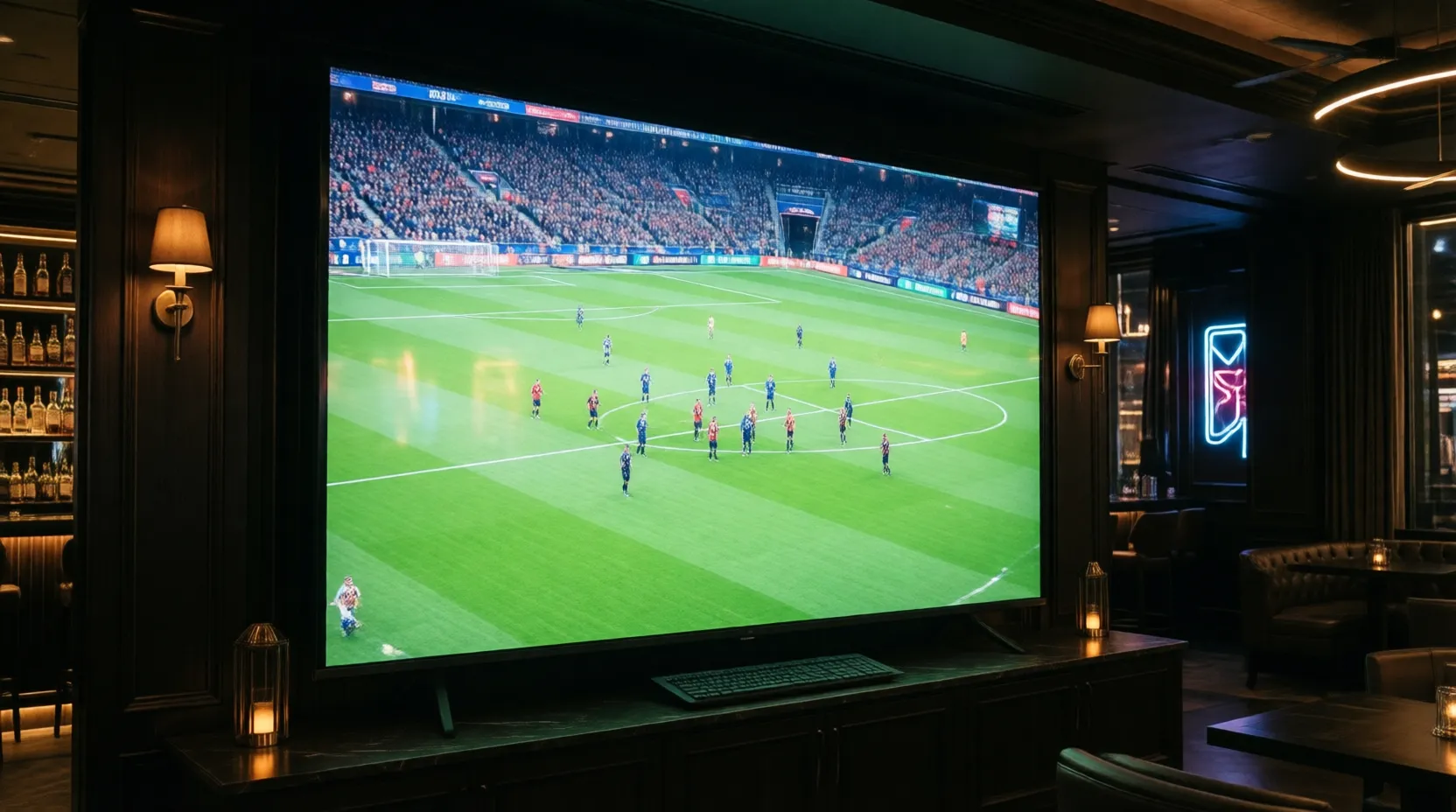
Buffering & Freezing Streams
Buffering in IPTV Smarters Pro has three primary causes: insufficient internet speed, server-side congestion at your IPTV provider, or a Wi-Fi signal issue on your local network. First, run a speed test while streaming — you need a minimum of 10 Mbps for HD and 25 Mbps for 4K. If speeds are adequate, switch to a wired Ethernet connection if possible. If buffering persists on Ethernet, the issue is your IPTV provider's server load, which is outside the app's control and signals a need to evaluate a better IPTV service.
- !EPG not loading / blank program guide: The EPG URL has expired or your provider's XMLTV server is temporarily offline. In app Settings → EPG, try forcing a manual EPG refresh. If it still fails, contact your IPTV provider to confirm the current EPG URL is correct.
- !"Authentication Failed" on login: This means your Xtream Codes credentials are incorrect or your IPTV subscription has expired. Double-check the server URL, username, and password character by character. A common error is including a trailing slash in the server URL or miscoping the port number.
- !Black screen on channels that load: The stream is connecting but not rendering. Go to Settings → Player and change the video decoder from Hardware to Software (or vice versa). On FireStick, switching to the ExoPlayer engine often resolves black screen issues caused by codec incompatibilities.
- !App crashes on FireStick: Clear the app's cache via FireStick Settings → Applications → Manage Installed Applications → IPTV Smarters Pro → Clear Cache. If crashing persists, uninstall and reinstall from the Amazon App Store to get the latest build.
- !Channels missing from list: This is a provider-side issue — channels in your M3U or XC feed that are temporarily offline or removed. Use the app's search function to confirm whether the channel is still in your playlist. If it is absent from the playlist, contact your IPTV service provider directly.
Need an IPTV Service to Use With Smarters Pro?
IPTV Smarters Pro is the player — you still need an IPTV provider to supply the content. Our directory indexes and ranks the best services available in 2026.